 Buy me a coffee
An AI Productivity Coach That Runs On Your Own GPU
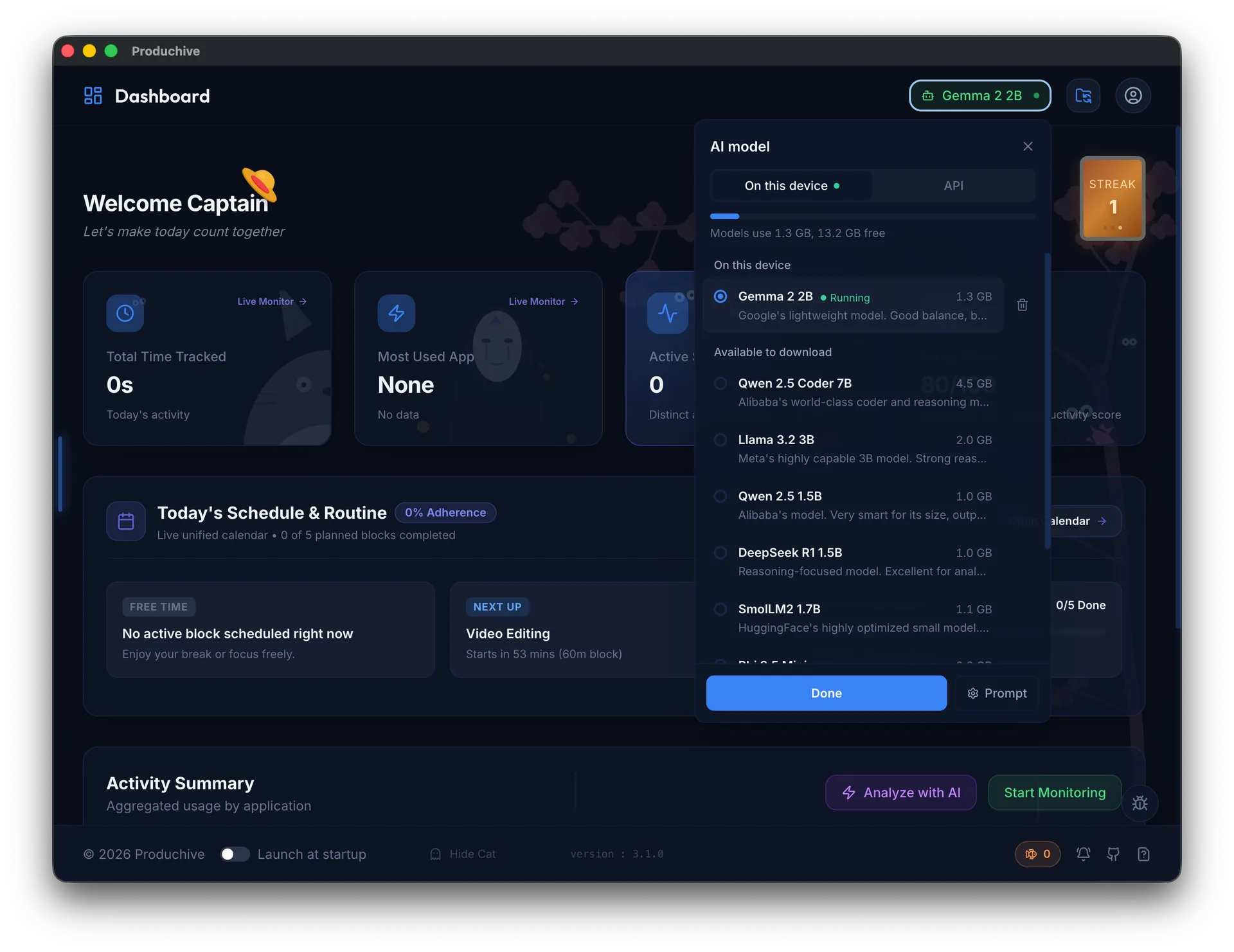
Produchive uses open models running locally through WebGPU to plan your routine, review your day, and nudge you when you drift off-task. Your activity logs are never sent to an AI company unless you choose to connect one.
Why Produchive
Runs Locally
Gemma 2, Qwen 2.5, Llama 3.2, DeepSeek R1 and more run on your GPU.
AI Day Planner
Turn a task list into a realistic plan around meals and breaks.
Daily AI Review
Get a focus score and plain-language feedback on your day.
Off-Task Nudges
Polite desktop nudges when your activity drifts from your goals.
Editable Prompts
See and edit the prompts to tune the coach's tone and strictness.
Optional External Models
Prefer a bigger model? Connect an API provider or a local server.
Get Started in Three Steps
- 1
Pick a model
Download a small open model once; it's cached for next time.
- 2
Track your day
Produchive records your activity locally.
- 3
Get coached
Plan tomorrow and review today with the on-device AI.
Frequently Asked Questions
What hardware do I need?expand_more
A computer with a WebGPU-capable GPU. Smaller models like Gemma 2 2B or Qwen 2.5 1.5B run well on most modern laptops.
Does the AI send my data anywhere?expand_more
Not with on-device models. If you connect an external provider, only goals and activity summaries are sent when the AI runs.
Is it free?expand_more
Yes. On-device AI is free; you only pay a provider if you choose to connect one with your own API key.