 Buy me a coffee
A Free Time Tracker for Mac That Never Leaves Your Mac
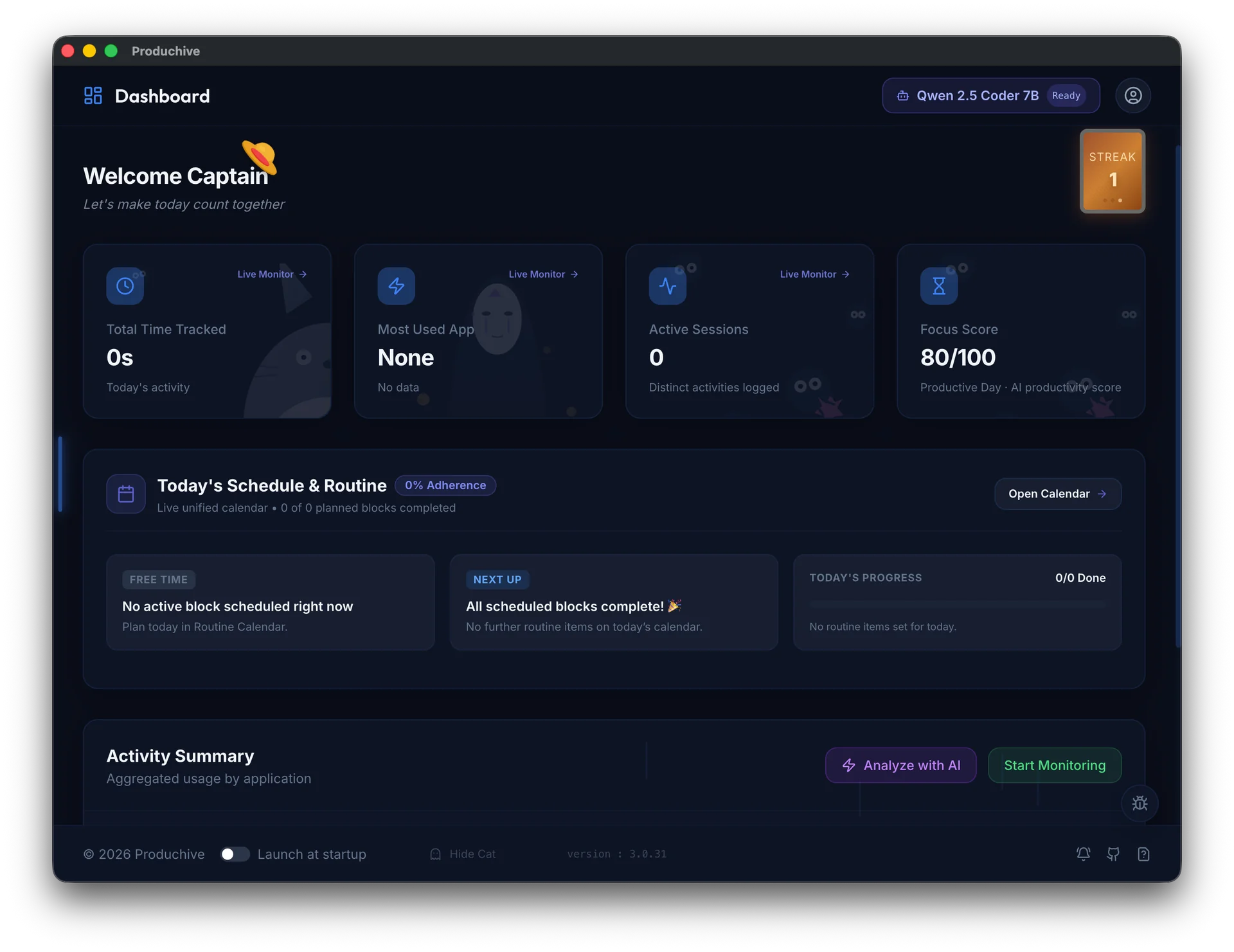
Produchive runs quietly in the background on macOS, records which app is in front and for how long, and turns it into daily focus insights. Everything is stored on your Mac, so it works on a plane, on a train, or with Wi-Fi off.
Why Produchive
Works Fully Offline
Tracking, planning and on-device AI all run without an internet connection.
Stays on Your Mac
No account and no cloud dashboard. Your activity history lives on your disk.
Automatic, No Timers
Foreground apps are logged for you, so there is nothing to start or stop.
Light on Battery
Power-aware tracking slows down on battery and pauses when your MacBook sleeps or locks.
On-Device AI Review
A local model runs on your Mac's GPU to score and explain your day.
Free & Open Source
Inspect the code on GitHub. The core app costs nothing.
Get Started in Three Steps
- 1
Download the DMG
Install Produchive like any other Mac app. No sign-up needed.
- 2
Turn on tracking
Hit Start Monitoring on the dashboard and get back to work.
- 3
Review your day
Open AI Insights to see where your time went and how focused you were.
Frequently Asked Questions
Does Produchive take screenshots or record keystrokes?expand_more
No. It only reads which app and window is in front and for how long.
Which Macs are supported?expand_more
Produchive runs on Apple silicon Macs (M1 and later).
Can I sync between my Mac and another computer?expand_more
Yes, optionally. Sync is end-to-end encrypted and goes through a folder you choose, such as iCloud Drive, Dropbox or a USB stick.