 Buy me a coffee
A Private Time Tracker for Windows With Zero Telemetry
Produchive tracks the apps you use on Windows 10 and 11 automatically, then helps you plan and review your day with on-device AI. Your activity never leaves your PC unless you choose encrypted sync.
Why Produchive
No Cloud Account
Install and start tracking. There is nothing to sign up for.
Automatic App Tracking
Foreground apps are recorded in the background with accurate durations.
Plan Your Week
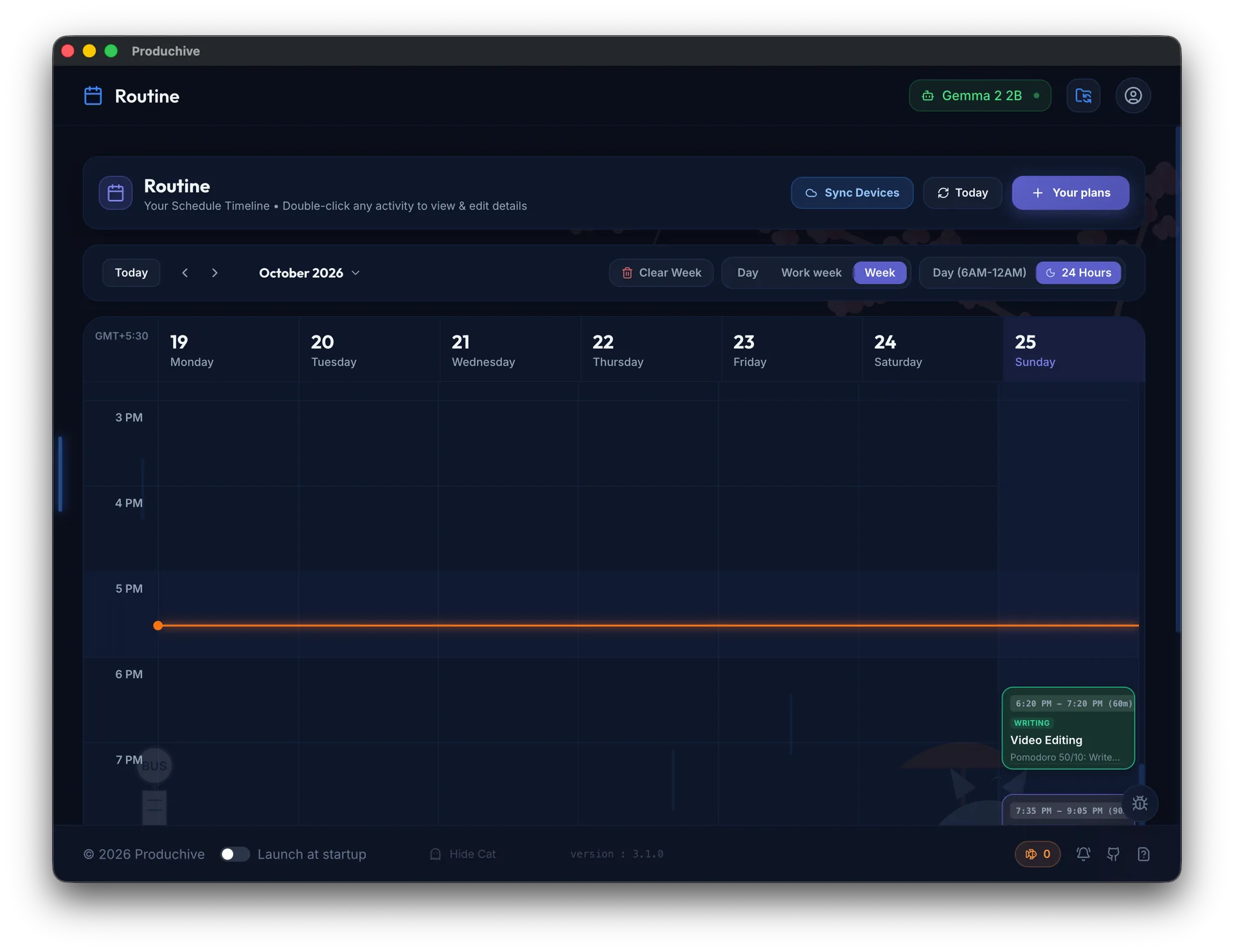
A 7-day calendar and AI plan generator turn tracking into a schedule.
Block Distractions
Block distracting apps during focus time with a lightweight check.
On-Device AI
Run open models on your GPU via WebGPU, or connect your own API provider.
Free & Open Source
Every line is on GitHub, and core features are free.
Get Started in Three Steps
- 1
Run the installer
Download the Windows installer and follow the setup wizard.
- 2
Start monitoring
Turn on tracking from the dashboard; Produchive does the rest.
- 3
Plan and review
Generate a plan for tomorrow and check today's AI Insights.
Frequently Asked Questions
Does it work on Windows 10 and 11?expand_more
Yes. Produchive supports Windows 10 and later.
Is any of my activity uploaded?expand_more
No. Activity stays on your PC. If you connect an external AI provider, only summaries are sent when the AI runs, and sync is end-to-end encrypted.
Will it slow down my laptop?expand_more
Produchive uses power-aware polling, throttles itself in the background and pauses when your laptop sleeps, so it stays light.